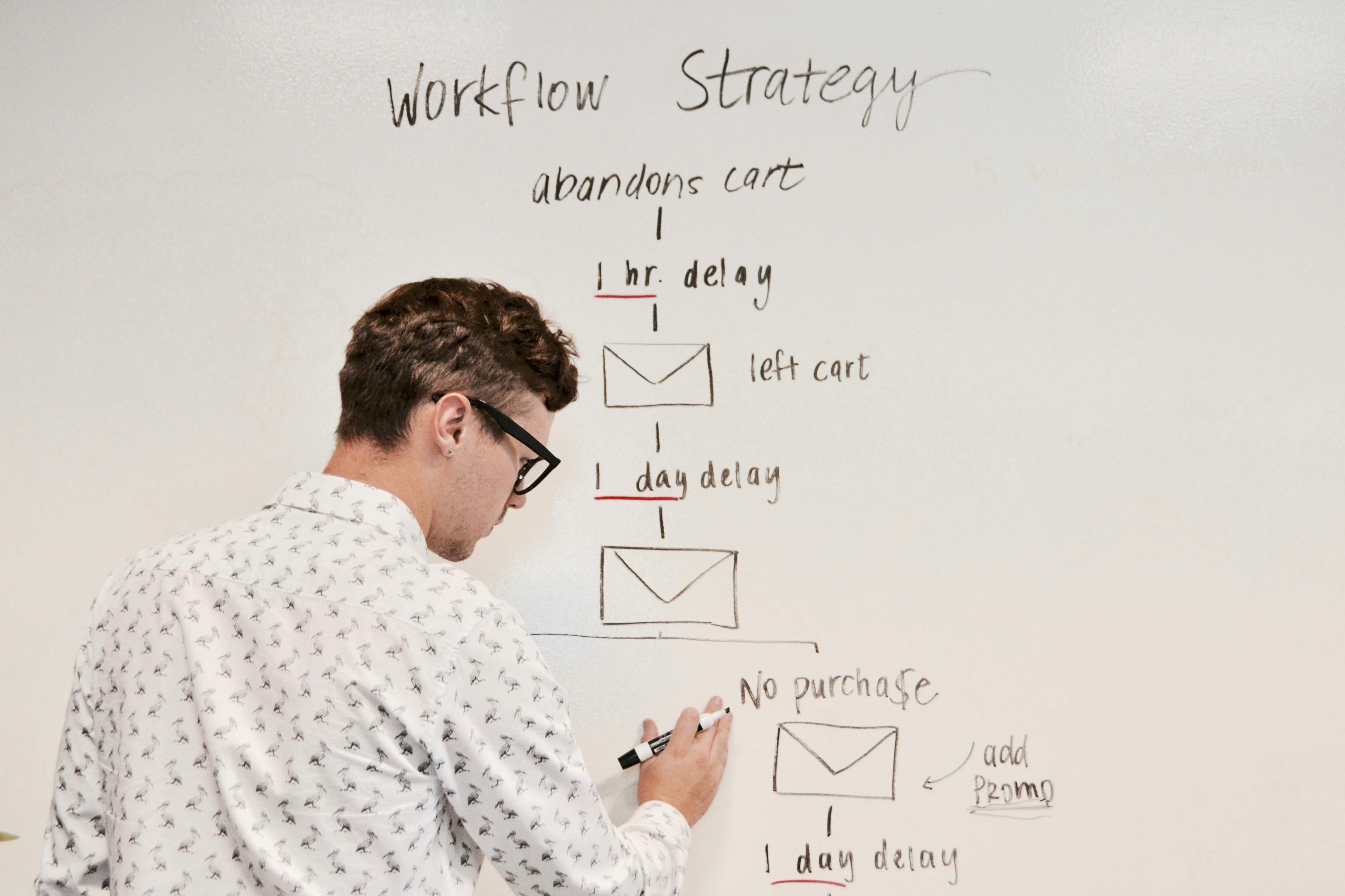
In 2025, AI has evolved from being a novelty to becoming an essential part of everyday work. Whether you’re running a business, managing a team, freelancing, or just trying to get more done each day, the right AI productivity tools can save you hours and improve the quality of your work.
This guide explores the top 10 AI productivity tools in 2025, how they work, and why you should consider using them.
1. ChatGPT (Free & Plus Plans)
- Best for: Content creation, brainstorming, research.
- Why it’s great: OpenAI’s ChatGPT remains the go-to AI assistant for drafting articles, summarizing research, creating scripts, and generating creative ideas.
- Pro Tip: Pair ChatGPT with browser extensions like AIPRM or WebChatGPT for more tailored prompts and live data access.
2. Notion AI
- Best for: Task management, note-taking, and team collaboration.
- Why it’s great: Notion AI automates meeting notes, organizes projects, and can even rewrite or summarize your content. Perfect for individuals and teams.
- Pro Tip: Use AI in Notion to convert meeting transcripts into actionable to-do lists instantly.
3. Grammarly (Free & Premium)
- Best for: Polishing writing, grammar checks, and tone adjustments.
- Why it’s great: Grammarly’s AI now goes beyond grammar correction, offering tone detection, rewriting suggestions, and formatting help.
- Pro Tip: Enable the browser extension for real-time corrections in Google Docs, email, and CMS platforms.
4. QuillBot
- Best for: Paraphrasing and summarizing text.
- Why it’s great: QuillBot’s free tier is excellent for rewording content without losing meaning, which is handy for SEO optimization and repurposing text.
- Pro Tip: Combine QuillBot’s paraphrase mode with Grammarly for high-quality rewrites.
5. Otter.ai
- Best for: Meeting transcription and note-taking.
- Why it’s great: Otter.ai records meetings, transcribes them in real-time, and highlights key points — perfect for busy professionals.
- Pro Tip: Integrate with Zoom or Google Meet for automatic transcription during calls.
6. Trello with AI Power-Ups
- Best for: Project management.
- Why it’s great: Trello now integrates AI suggestions for task prioritization and deadline adjustments based on workload.
- Pro Tip: Use Butler automation with AI to assign tasks automatically.
7. Jasper AI
- Best for: Marketing copy and ad creation.
- Why it’s great: Jasper AI’s templates help generate high-converting ad copy, social posts, and blog content.
- Pro Tip: Use the “Campaign Mode” to produce consistent copy across multiple platforms.
8. Clockify + AI Insights
- Best for: Time tracking and productivity analysis.
- Why it’s great: Clockify now includes AI-driven reports to identify wasted time and recommend workflow changes.
- Pro Tip: Run weekly reports to optimize your schedule.
9. Perplexity AI
- Best for: AI-powered search and research.
- Why it’s great: Perplexity AI delivers concise, sourced answers faster than traditional Google searches.
- Pro Tip: Use it for quick fact-checking when writing.
10. Zapier AI
- Best for: Workflow automation.
- Why it’s great: Zapier AI can connect your favorite apps and automatically perform actions based on triggers, saving hours every week.
- Pro Tip: Build AI-based Zaps to process incoming leads, emails, or customer queries.
Final Thoughts
These AI productivity tools in 2025 can revolutionize the way you work. Whether you want to automate tasks, improve your writing, or streamline team collaboration, there’s an AI tool to help. Start with one or two from this list, integrate them into your workflow, and watch your productivity skyrocket.
If you’re just getting started with AI-powered productivity, you might also enjoy our Beginner’s Guide to AI Writing Tools, which breaks down how to use free and paid AI assistants effectively. For those looking to take things further, our Best AI Tools for Learning and Skill Development will help you discover AI apps that can accelerate personal and professional growth.





Leave a Reply